
1. Open Webmin
After installing webmin, open the dashboard using the link 'https://your-server-ip:10000' and log in using your server username and password.
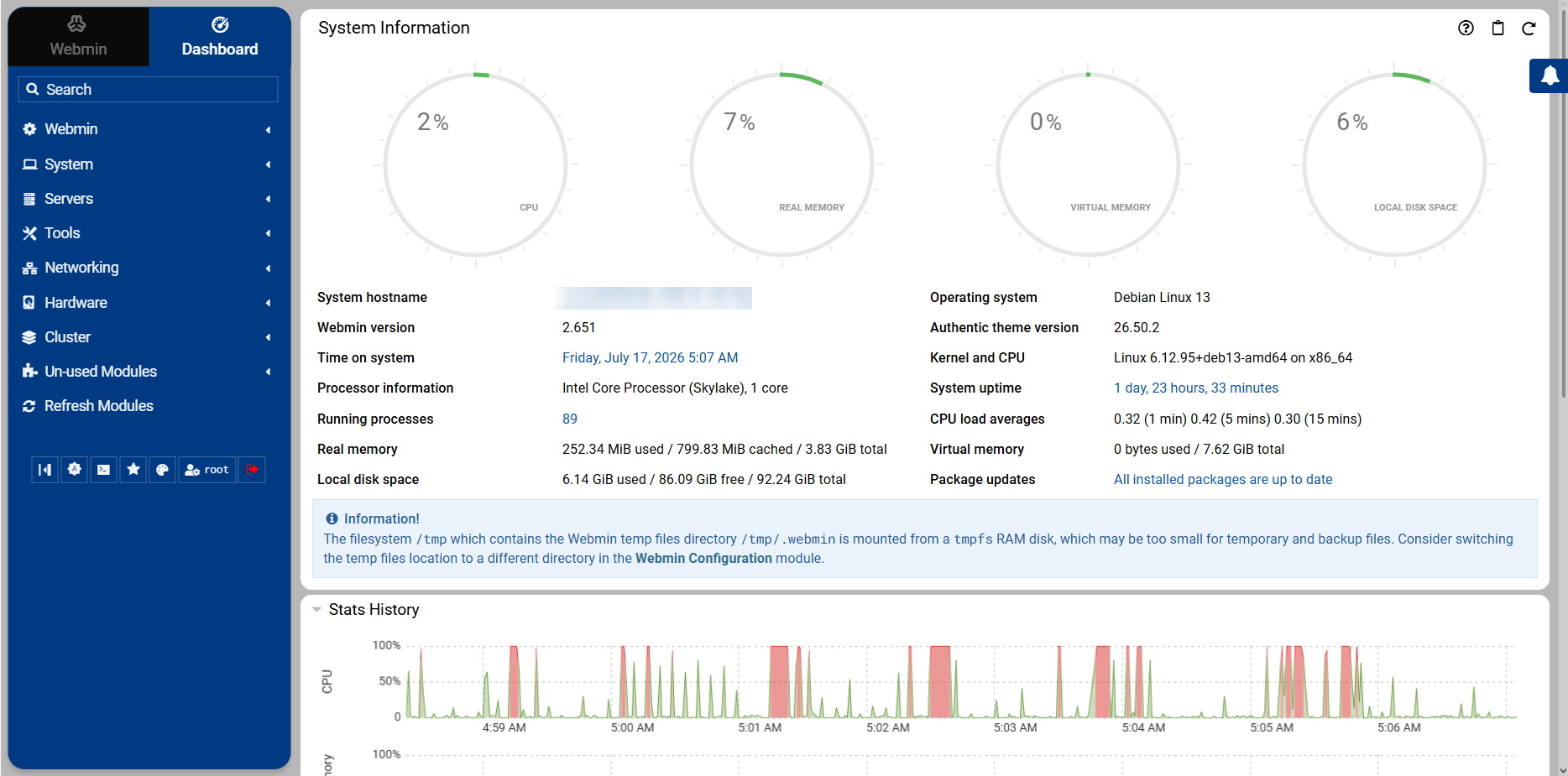
2. Open Port Settings
In the left hand menu, open Webmin > Webmin Configuration > Ports and Addresses.
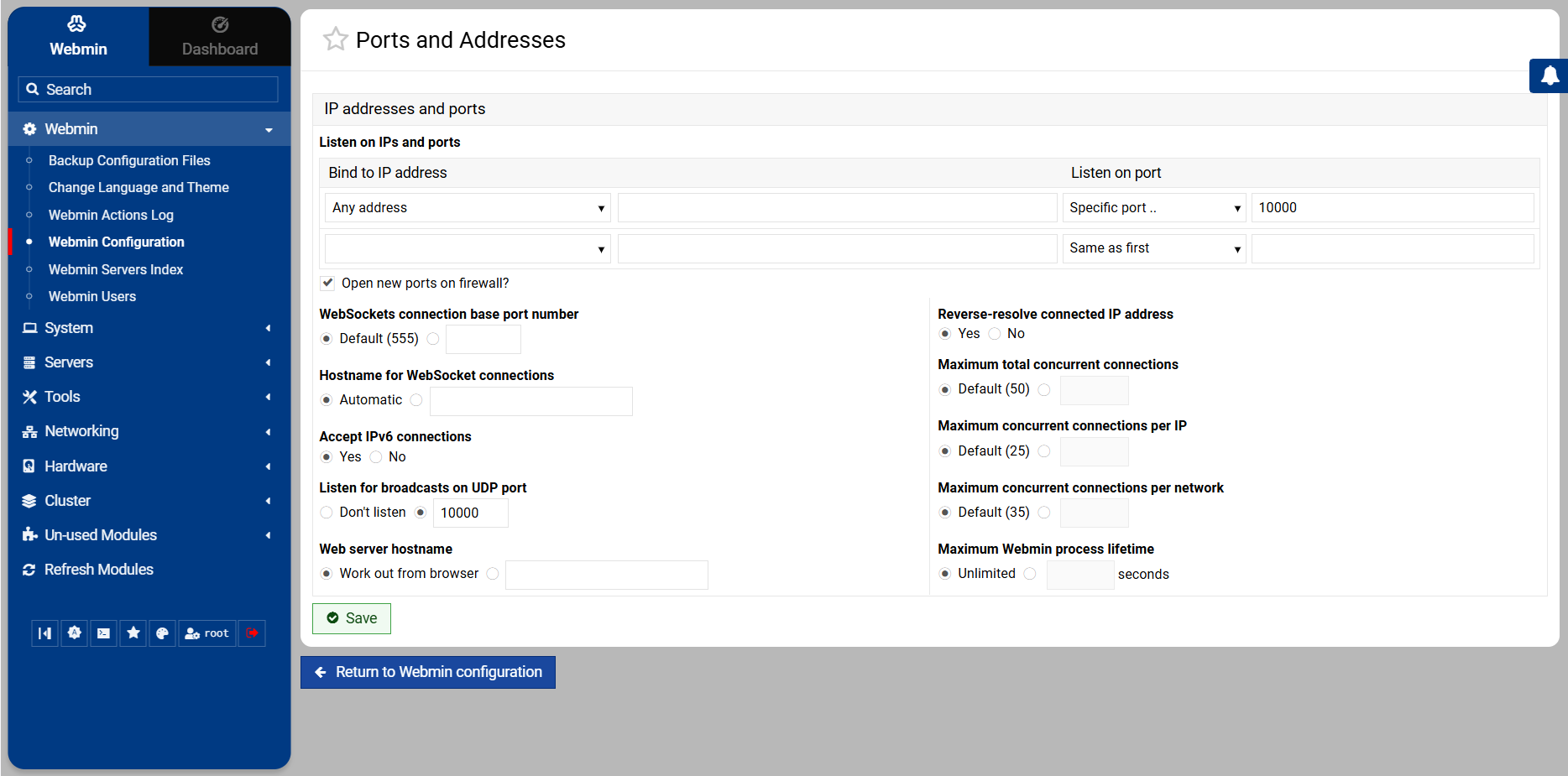
3. Change Port
In the Listen on IPs and ports section, change the port number in the text box (default is 10000) to your desired port. Click the Save button at the bottom. Webmin will automatically restart and bind to the new port.
Update your browser's URL to include the new port to log back in.